

Install Consibio Cloud as an app
Download as PDFConsibio Cloud is a web app, but your phone’s browser can install it to your home screen so it opens full-screen, without the browser’s address bar — just like a normal app.
iOS (iPhone)
Section titled “iOS (iPhone)”-
Open v3.consibio.cloud in Safari.
-
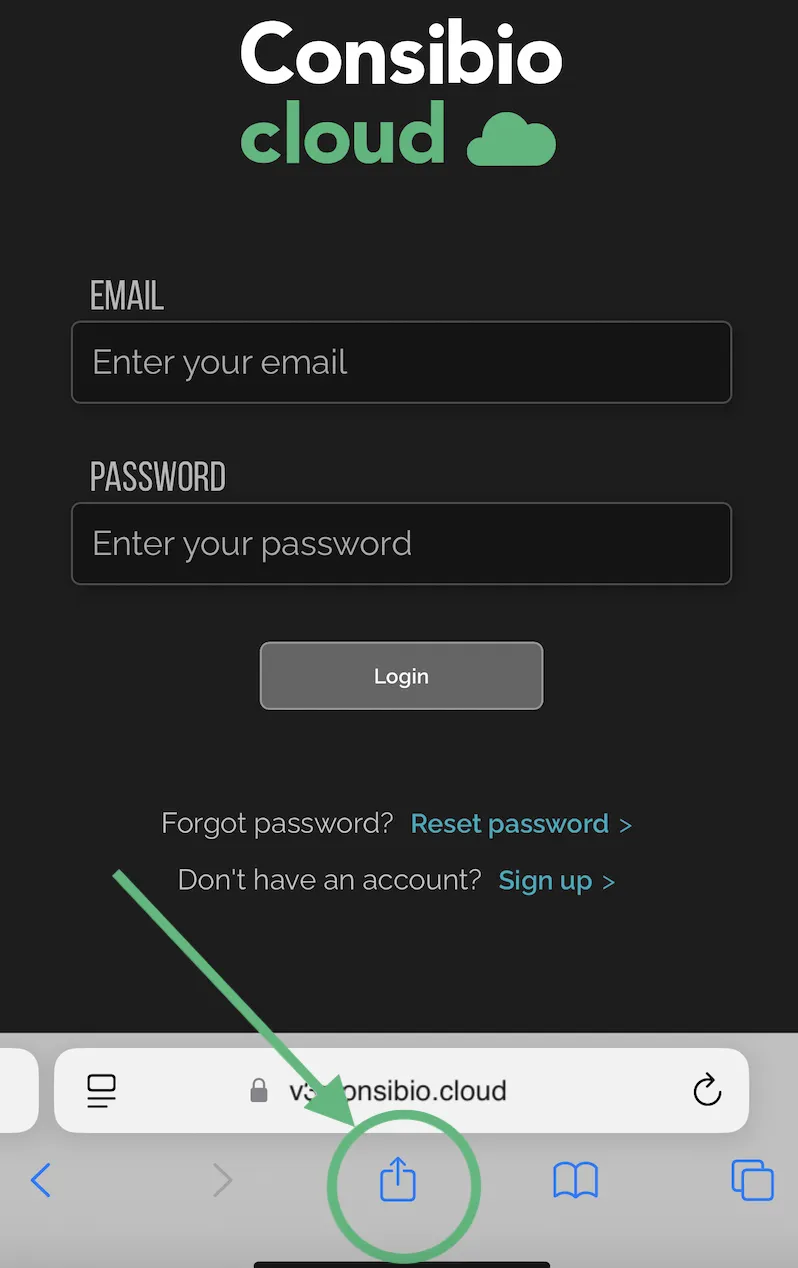
Tap the share icon in the toolbar.
-
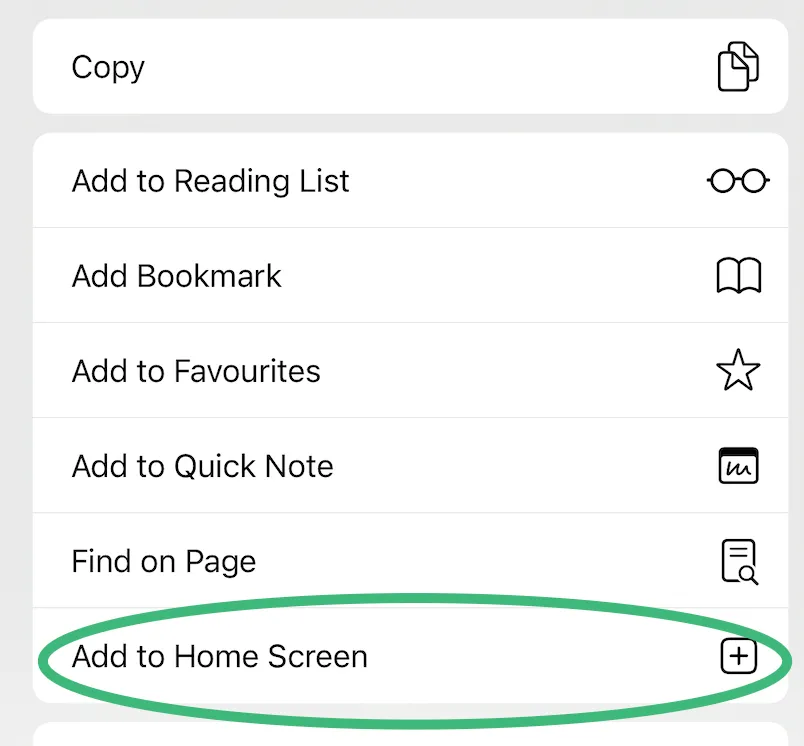
Tap Add to Home Screen.
-
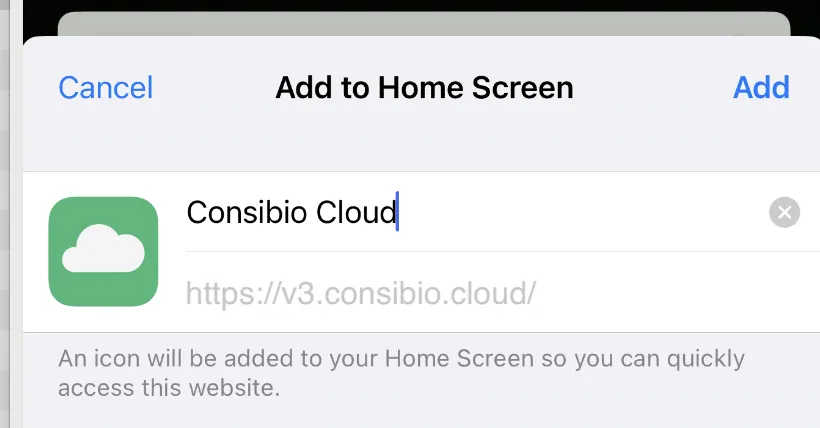
Tap Add.
-
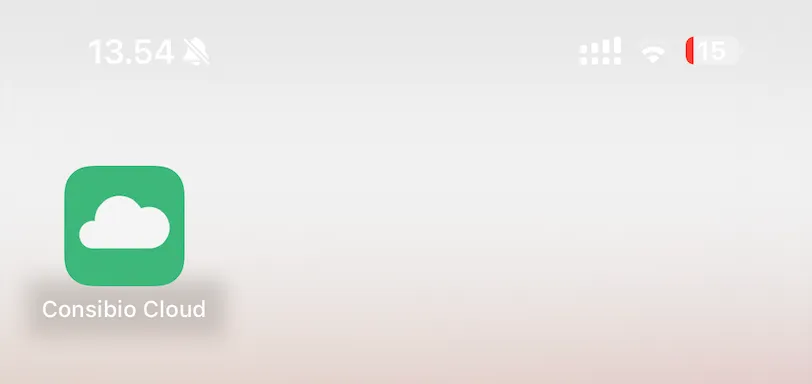
Consibio Cloud now appears on your home screen as an app icon.
Android
Section titled “Android”-
Open v3.consibio.cloud in Chrome.
-
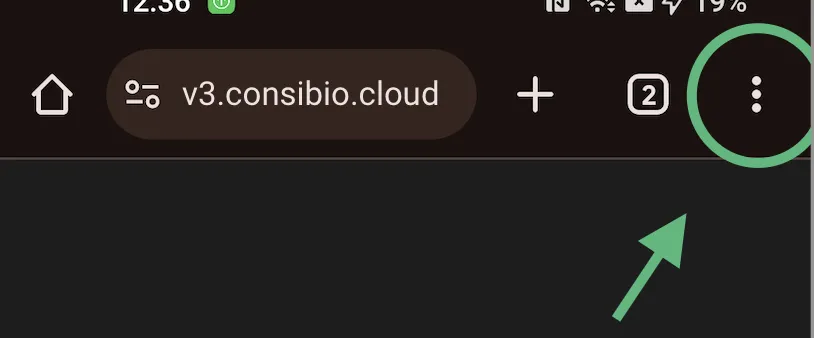
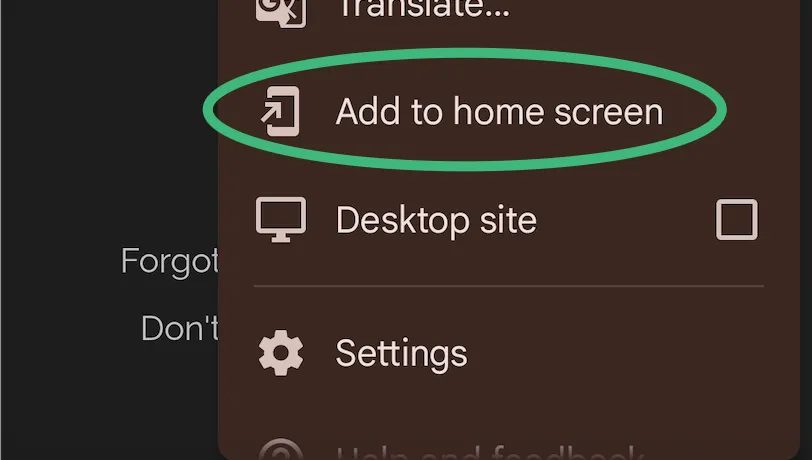
Tap the menu (⋮) in the top-right corner and select Add to Home screen.
-
Confirm by tapping Add.
-
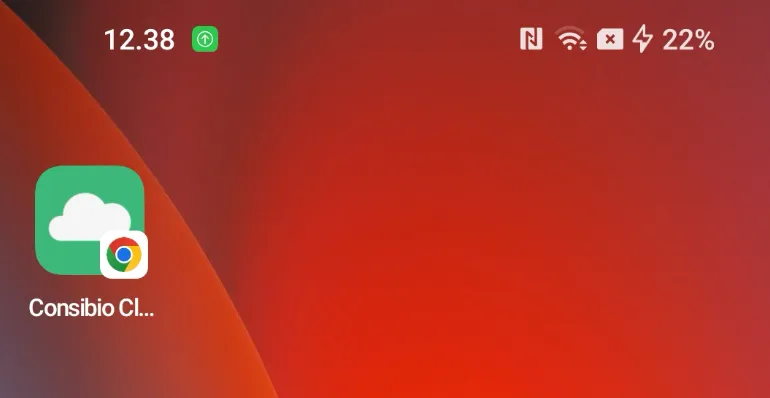
Consibio Cloud now appears on your home screen as an app icon.
Support
Section titled “Support”Questions about installing Consibio Cloud? Contact support@consibio.com.