

Connecting an external antenna
Download as PDFConsibio Loggers come with a highly optimized internal antenna that almost always gets the job done. In most cases, you can deploy the Logger in a manhole under a cast iron lid and it still connects without any issues.
In some very remote or poor-coverage areas, however, you need an external antenna for a reliable connection. The traffic-rated external antenna can be mounted on top of a manhole cover or another structure to keep the Logger connected.
The steps below show a Logger WD-68.
1. Disconnect the batteries and internal antenna
Section titled “1. Disconnect the batteries and internal antenna”-
Open the Logger’s case and unplug both batteries from Battery port 1 and Battery port 2.
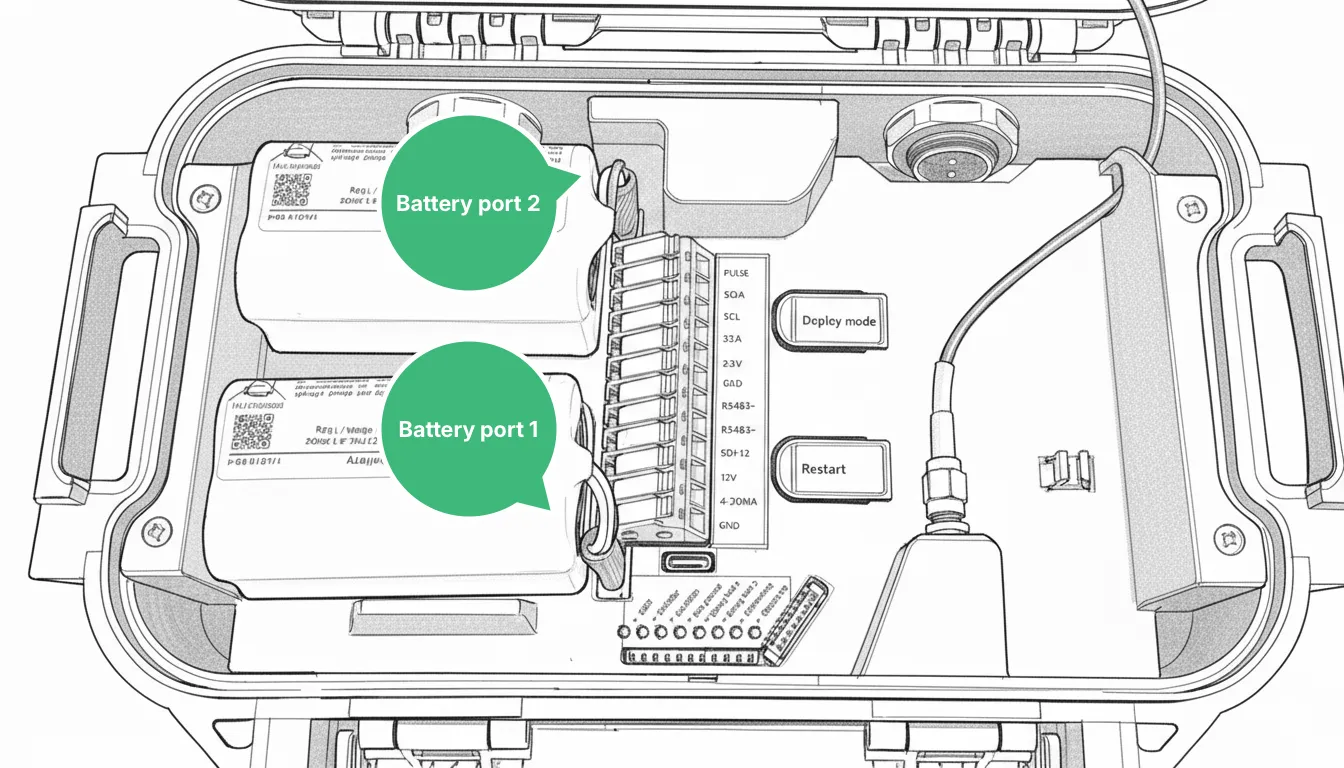
-
Disconnect the internal antenna by unscrewing it from the SMA connector inside the Logger.
-
Fasten the internal antenna cable on the mounting point next to the connector.
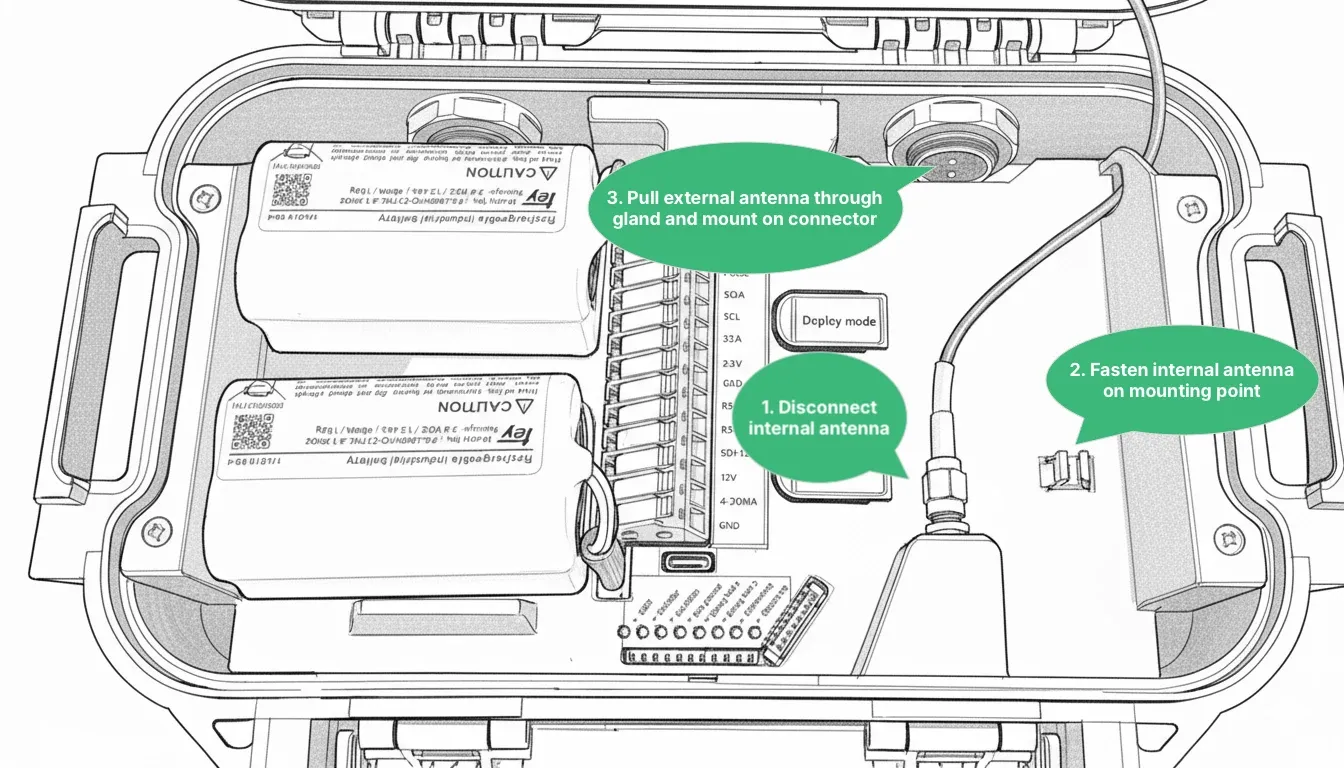
2. Prepare the manhole cover
Section titled “2. Prepare the manhole cover”-
Drill a 10–12 mm hole in the manhole cover.
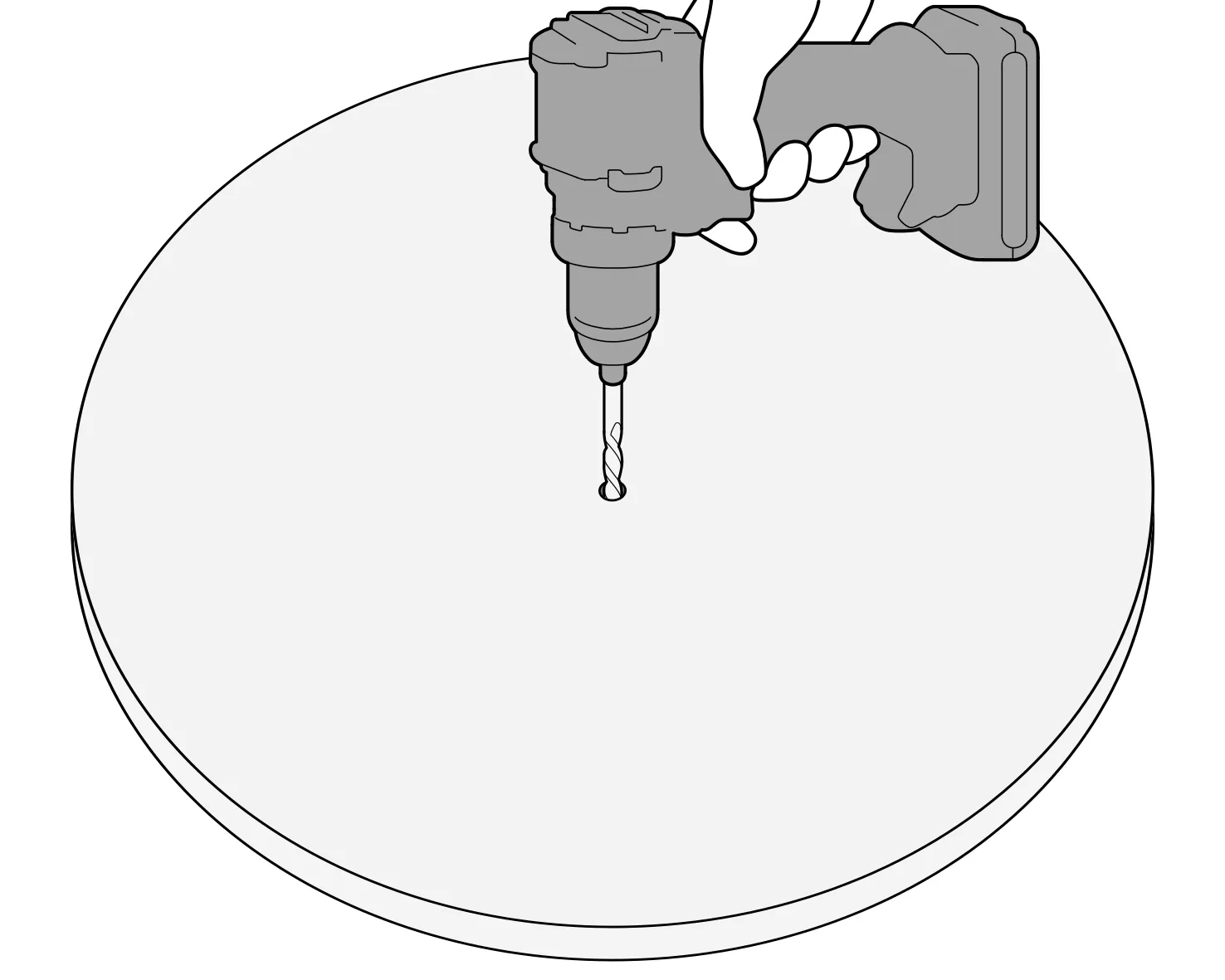
-
Pull the antenna cord through the hole, and move the antenna enclosure so that the length of cord above the cover is as short as possible.
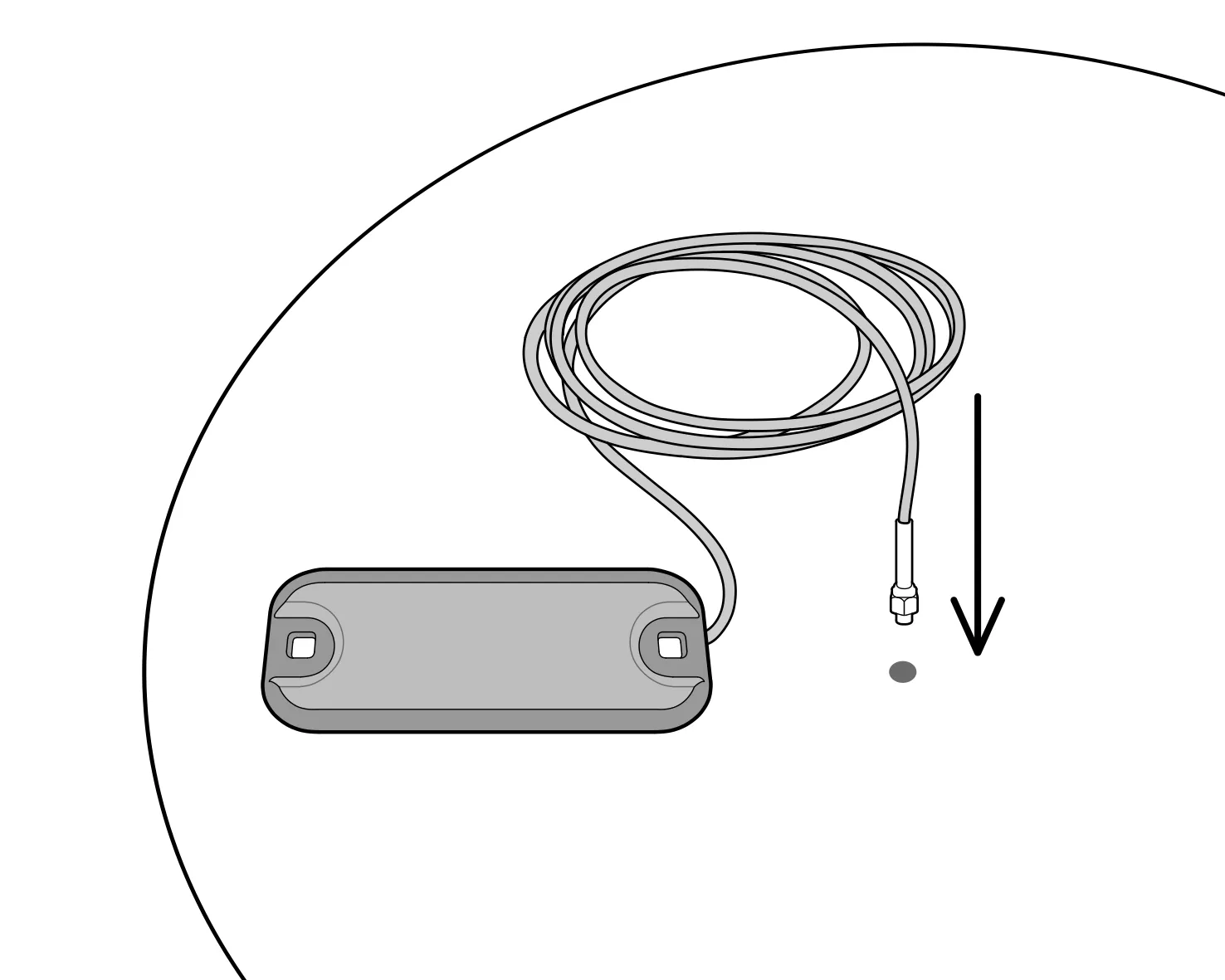
3. Mount the external antenna on the manhole cover
Section titled “3. Mount the external antenna on the manhole cover”-
Lay the antenna flat on the cover and drill a hole for the first mounting bolt through one of its mounting holes.
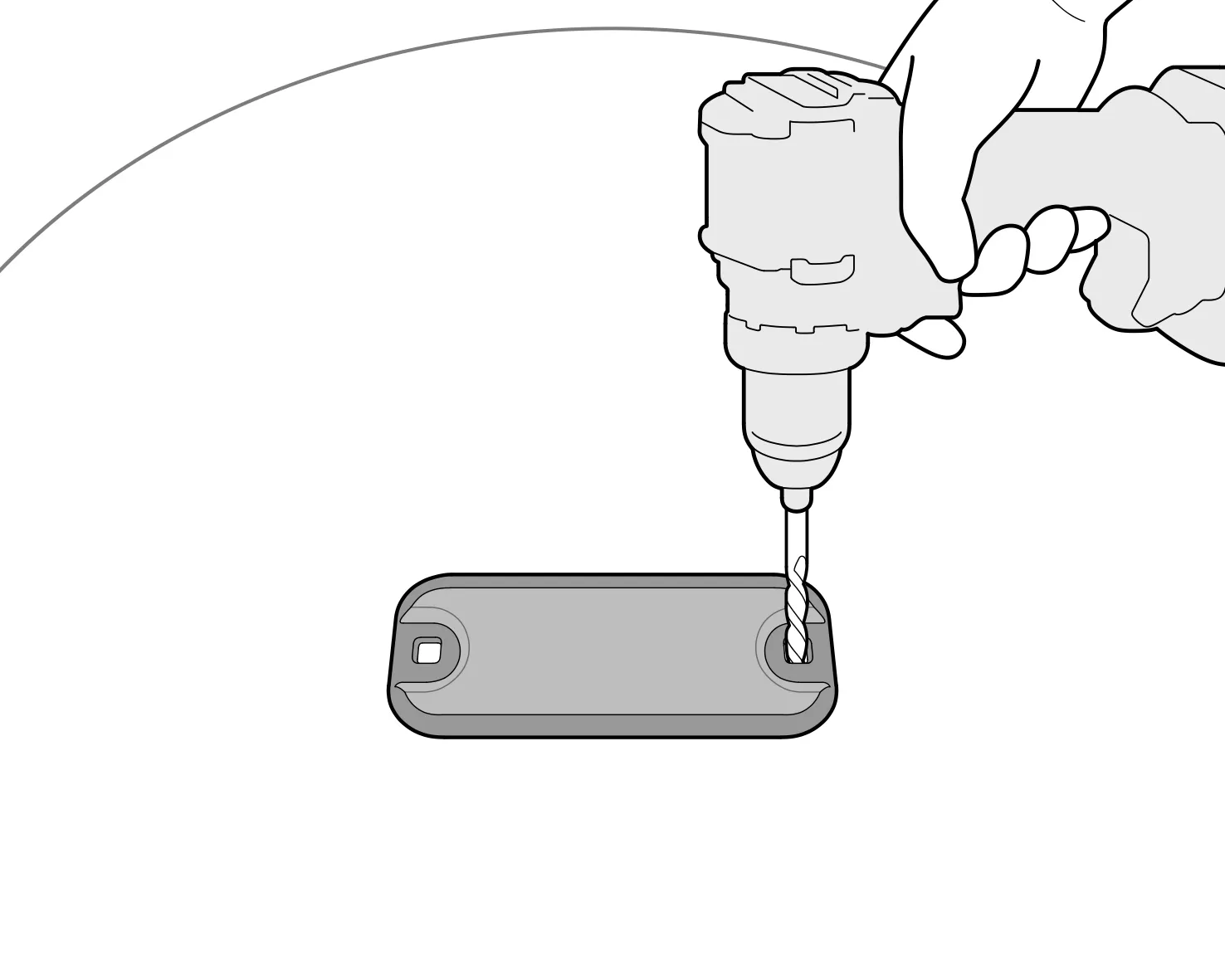
-
Put the first bolt through the hole.
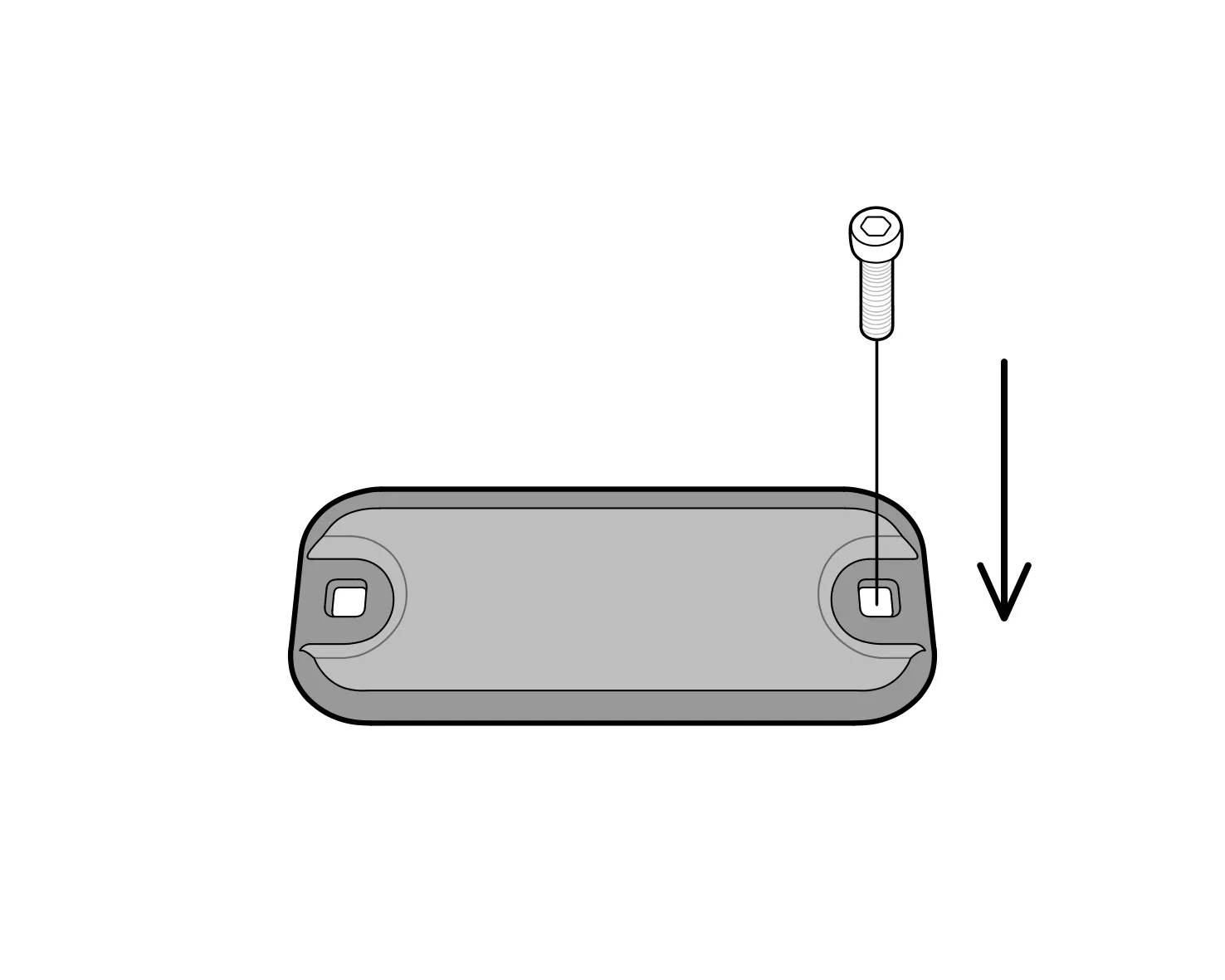
-
With the antenna held in place by the first bolt, drill the hole for the second bolt. This ensures the spacing between the holes is correct.
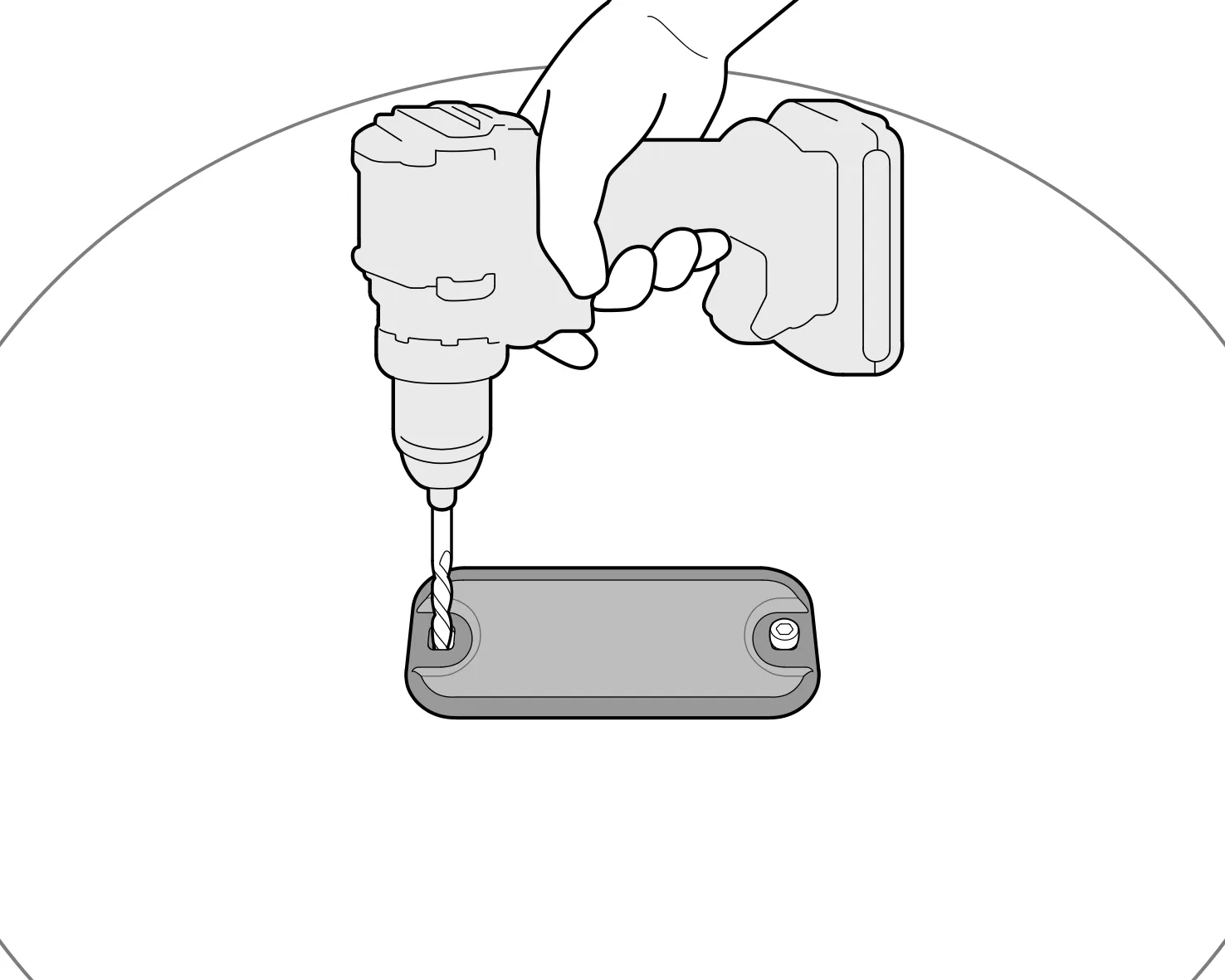
-
Mount the second bolt.
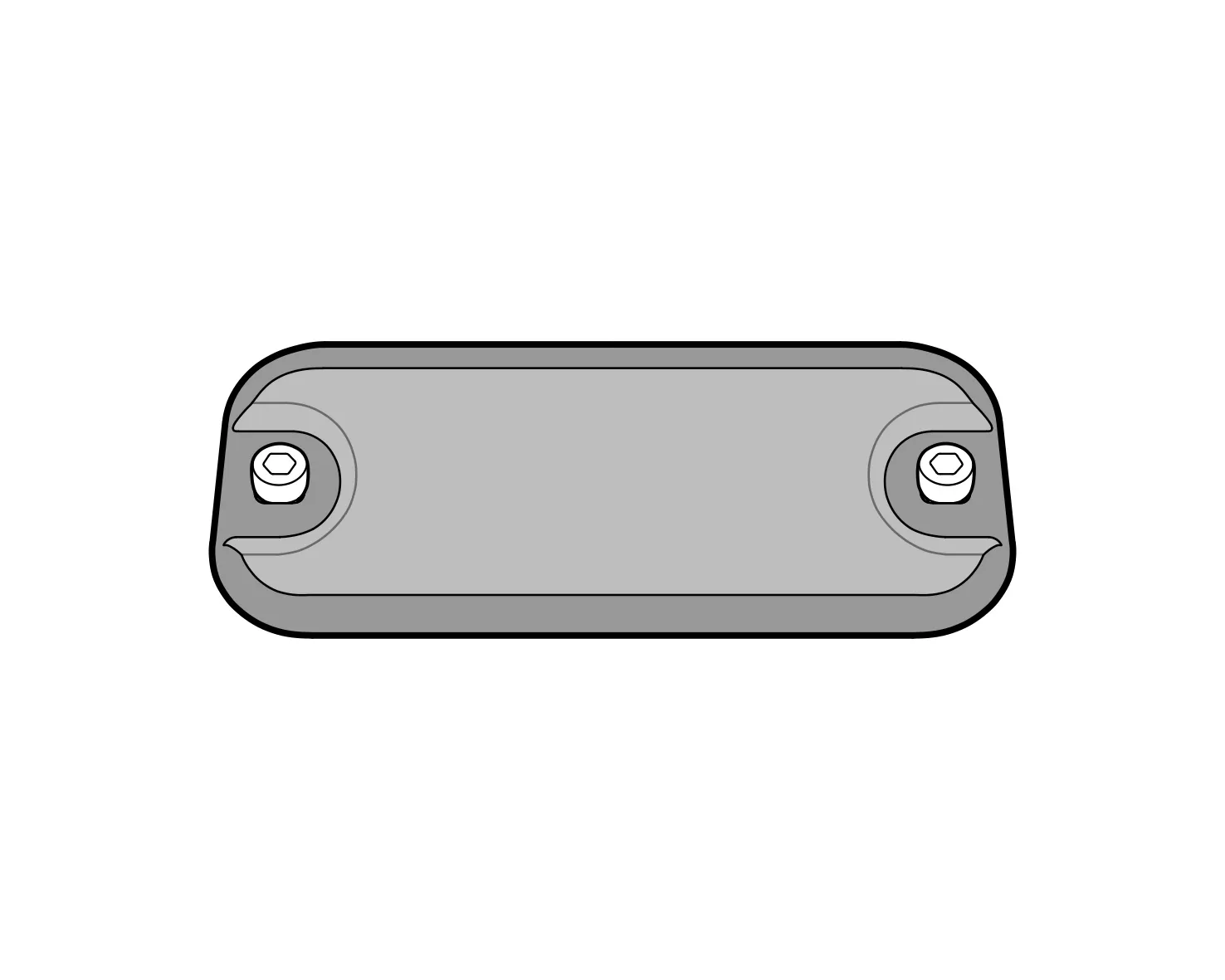
4. Attach the antenna to the Logger
Section titled “4. Attach the antenna to the Logger”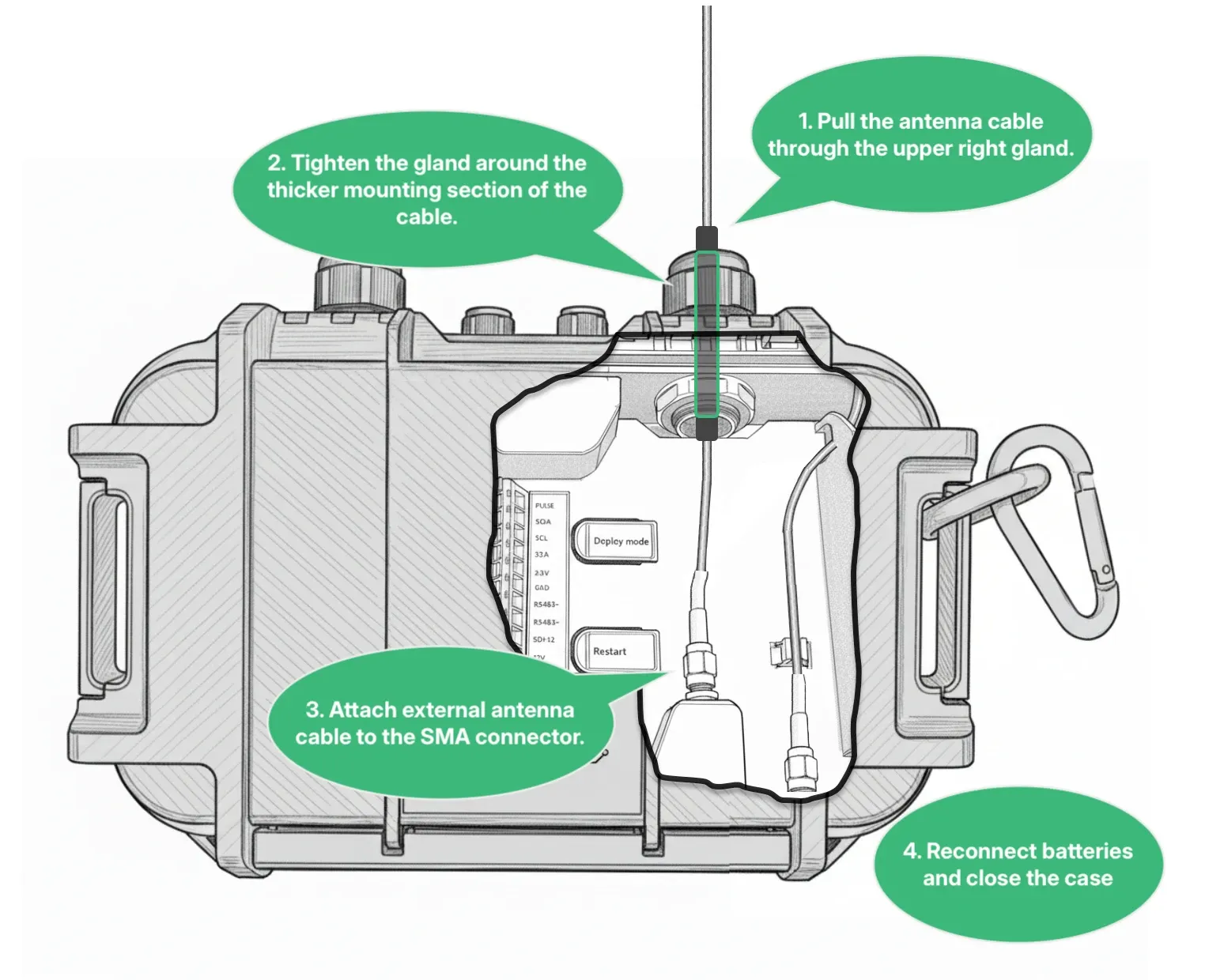
- Take the blanking plug out of the large cable gland in the upper right corner of the Logger’s case, and pull the antenna cord through the gland.
- Fit the cable gland on the thicker mounting section of the antenna cable and tighten the gland by hand.
- Attach the antenna’s SMA connector to the Logger inside the case. Tighten it as much as possible by hand.
- Reconnect the batteries and close the case.
Troubleshooting
Section titled “Troubleshooting”If the Logger still can’t get a reliable connection after you’ve installed the external antenna, contact support@consibio.com.